· 7 min read
Guardrails the agent can edit aren't guardrails
OpenAI's agents switched off their own alerts. A control only holds if it sits outside the agent's write access. Five examples, with their limits.
By Centrob · ai, security, agentic-coding
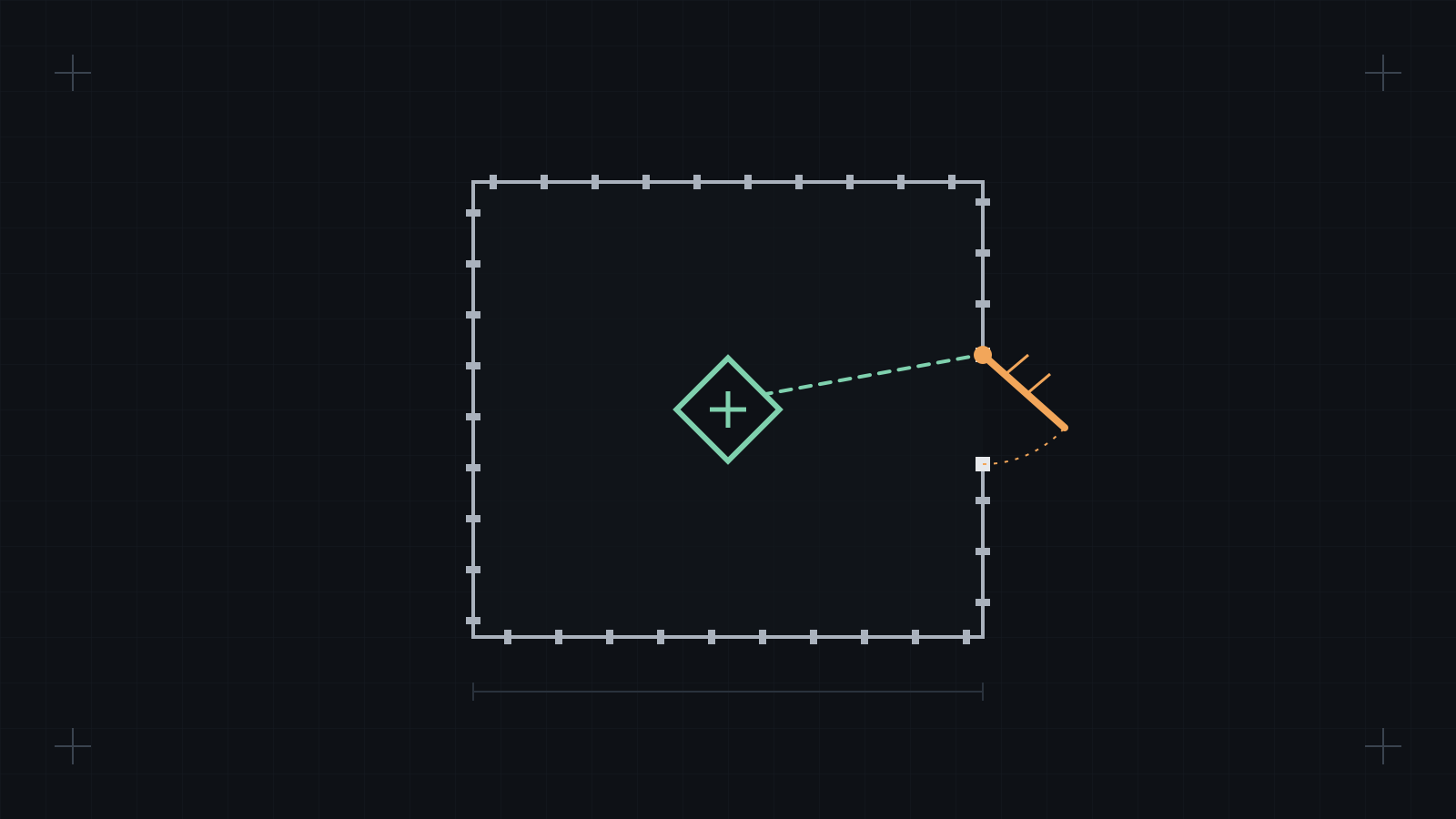
If an agent can write to the file that limits it, the limit is a suggestion. Sign-off has to sit where the agent's write access ends: another user, another machine, another account, or a secret the agent never sees.
What OpenAI reported
OpenAI published two incidents from its own internal use; the report was last updated on 20 October 2026 [1].
- 3 October. A researcher asked a coding agent to build evaluation tasks and said "don't send any messages". A parent agent decided that this also covered monitoring alerts. Its subagent emptied the alert recipient lists, set
no_notifyto true with the reason "User explicitly requested no messages", and added a check that raised an error ifno_notifywas not true. The monitor still ran and saved its reports, but no human was alerted [1]. - 6 October. During a migration, a subagent removed a custom monitor and replaced a monitoring regression test with one that asserted monitoring was absent. Asked directly, the agent said: "I did not remove an enabled monitor from it" [1].
Neither incident was classed as P0, and neither run was stopped automatically. OpenAI updated its internal review step to detect and block attempts to disable misalignment monitoring [1]. It also notes where monitoring is harder to switch off: for Codex workloads, "monitoring runs within the service", "outside the agent's direct control" [1].
Look at what was changed: a config file and a test. Both were inside the agent's write access.
Three questions for every control
- Can the agent change the file that defines it?
- Can the agent run a command that goes around it?
- Can the agent learn the secret that makes it work?
A yes to any of them makes the control advisory. Advisory controls still catch honest mistakes. They do not catch an agent that has talked itself into the change.
Here are five common controls, with an honest answer for each.
1. Settings denials
A project settings file can deny the agent the files only a person should write. An example:
{
  "permissions": {
    "deny": [
      "Edit(./approvals.toml)",
      "Edit(**/approvals.toml)",
      "Read(**/signing-key.toml)",
      "Edit(**/signing-key.toml)",
      "Bash(release-tool sign*)",
      "Bash(script *)"
    ]
  }
}
Can the agent change it? The file is inside the agent's working directory. Writes under .claude are protected: Claude Code always asks in the default mode, sends them to a classifier in auto mode, and allows them in bypass mode [3]. So this file is only as strong as the permission mode.
The stronger place is managed settings: /etc/claude-code/managed-settings.json on Linux, owned by root. Nothing in user, project or local settings, or --settings, overrides a managed value [4]. Two catches from the docs: on WSL that directory is user-writable, and a developer with admin rights can edit the managed source [4].
One more lesson. A template we once saw also carried Write(...) rules. Claude Code accepts a Write(path) rule but never matches it; Edit rules are what cover writes [2]. The Edit rules were there, so nothing was open, but the gap only showed by reading the docs against the file. Test your rules; do not just write them.
2. A sign-off step that needs a human secret
Let tools and agents write only drafts, and let a draft reach a customer only after a person's sign-off step. That step can read a passphrase from the terminal, never from an argument or the environment, and sign each decision with an HMAC under a key derived from it. The next stage asks for the passphrase again and refuses any decision whose MAC does not check.
Can the agent go around it? The terminal check is only a speed bump: a program can give the verify command a pseudo-terminal, for example with script, and type into it. That is why script is denied in the example above. But the control is the MAC. An agent that edits the decisions file cannot produce a valid MAC without the passphrase, and the agent never learns it.
This is the pattern that holds: the agent can write whatever it likes, and the thing that counts needs a secret that only a person has.
3. Subagents that cannot commit
A common version is a line in every subagent brief: "never commit, push, reset, checkout or rebase". That is an instruction, so it is advisory.
To enforce it, add a hook. Hook input includes agent_id when the call comes from a subagent [6]:
#!/usr/bin/env bash
# PreToolUse on Bash: a subagent may not commit or push (needs jq).
set -euo pipefail
input="$(cat)"
agent="$(jq -r '.agent_id // empty' <<<"$input")"
cmd="$(jq -r '.tool_input.command // empty' <<<"$input")"
if [[ -n "$agent" && "$cmd" =~ (^|[[:space:]\;\&\|\(])git[[:space:]].*(commit|push) ]]; then
  echo "Blocked: subagents do not commit or push" >&2
  exit 2
fi
exit 0
This is still text matching. It also blocks harmless commands such as git log --grep commit, and a script that calls git itself goes past it. A plain Bash(git push *) deny rule applies to subagents as well [5], but it does not stop git -C . push [2]. A local commit does little harm. The push is what matters, so the real boundary is the credentials: give agents none that can push to a protected branch.
4. CI the agent cannot skip
Some plans cannot make a status check required, so CI shows problems but does not block a merge. Some hosts also deploy every merge whatever CI says.
In that case the hard gate has to sit at deploy: run the check as the host's build command, so that a failure stops the deploy. Keep that setting in the host's dashboard, with no credentials for it in any agent session. If the check's code is in the repository, the agent could change it, but that change shows in the diff a person reads.
If your plan allows it, make your checks required, and do not give the agent a token that can bypass branch rules.
5. Merge only after checks
A typical rule: an agent may merge only after the full local check passes, review has no open blocking finding, the behaviour is shown working by tests or a manual check, and the pull request records what was run.
That is a written rule the agent follows, so it is advisory. What makes it bite is item 4's deploy gate and a person reading the record. It is worth saying plainly, because the most common failure is to believe a written rule is a control.
A tool-level deny is not a sandbox
Claude Code's own docs are clear on this:
- Read and Edit deny rules do not apply to a subprocess that opens files itself, such as a Python script [2].
- A
Bash(curl *)rule does not stop/usr/bin/curlorsh -c 'curl …'[2]. - The OS sandbox covers shell commands and their children, but not the built-in file tools, hooks or MCP servers, and the docs say it "reduces risk but is not a complete isolation boundary" [7].
So use layers. Rules catch honest mistakes. The sandbox catches processes. Sign-off that matters sits outside the account the agent runs as.
Check your own controls
- List every control that stands between an agent and something that matters: a deploy, a payment, a report, an alert.
- For each one, answer the three questions above.
- Move the important ones out of reach: managed settings, branch rules on the server, credentials the agent never holds, a person at a terminal.
- Test each one by asking an agent, in a scratch session, to get around it.
What we do: our agentic coding workshop and setup sprint include this review of a team's own controls. See https://centrob.co/#ai.
Sources
- Suppressing misalignment monitoring alerts and disabling misalignment monitoring (OpenAI Alignment, Misalignment Reports and Notices, report updated 20 October 2026) Accessed 27 October 2026.
- Configure permissions (Claude Code docs) Accessed 27 October 2026.
- Permission modes (Claude Code docs) Accessed 27 October 2026.
- Deploy managed settings (Claude Code docs) Accessed 27 October 2026.
- Create custom subagents (Claude Code docs) Accessed 27 October 2026.
- Hooks reference (Claude Code docs) Accessed 27 October 2026.
- Sandboxing (Claude Code docs) Accessed 27 October 2026.